Default Full Package Application
You can get this example through the Create Full Package Application tool in the FastPlaz|Create Full Package Application menu'
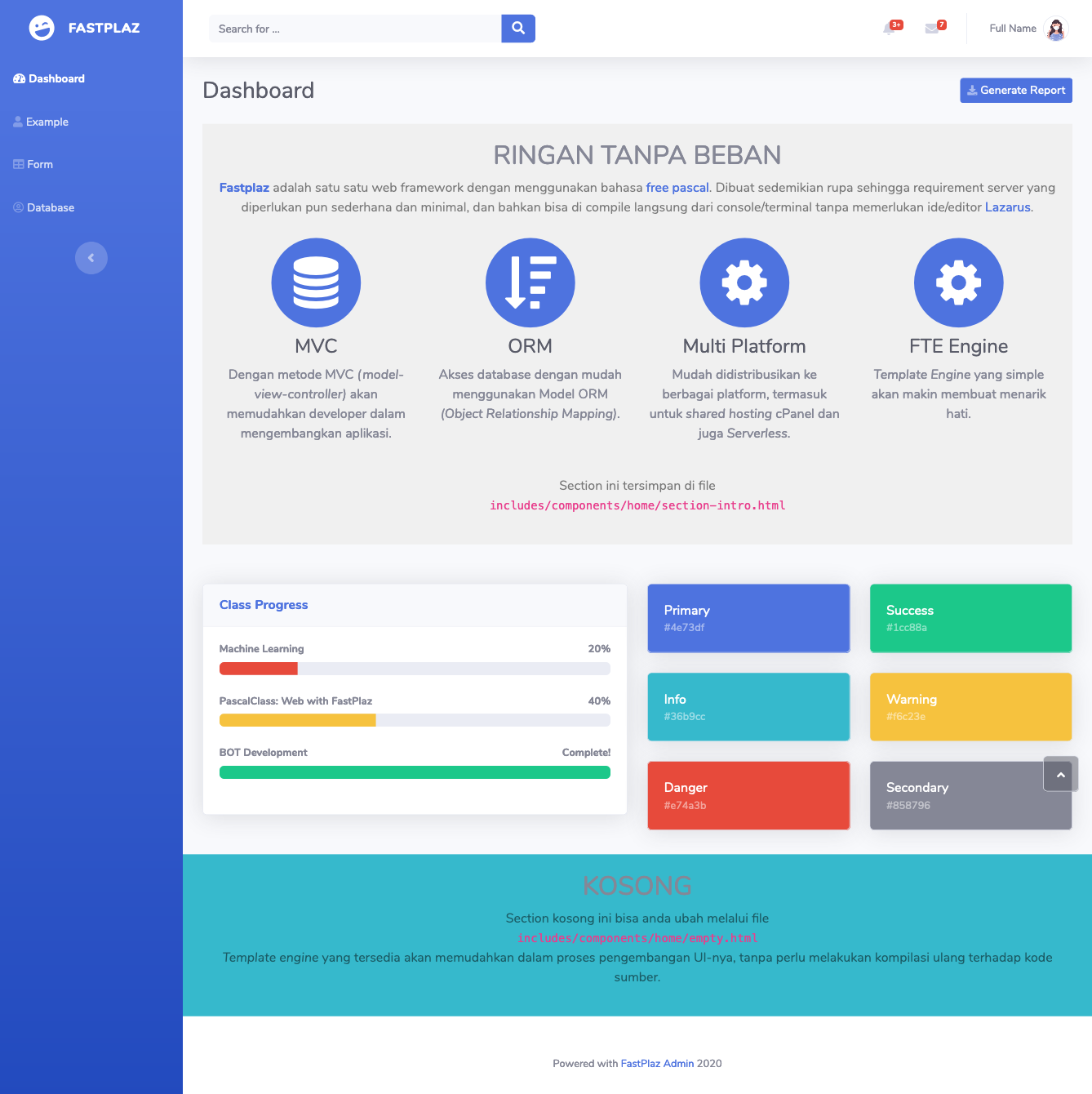 Using theme: Dashboard
Source Code
The source code ships with FastPlaz, through the Create Full Package Application tool in the FastPlaz|Create Full Package Application menu'
Topics
From this example you can learn about:
-
Template Engine with multiple Themes and Tags
- Displaying a Flash Message when there is an error.
- Using
foreachand theifconditional
-
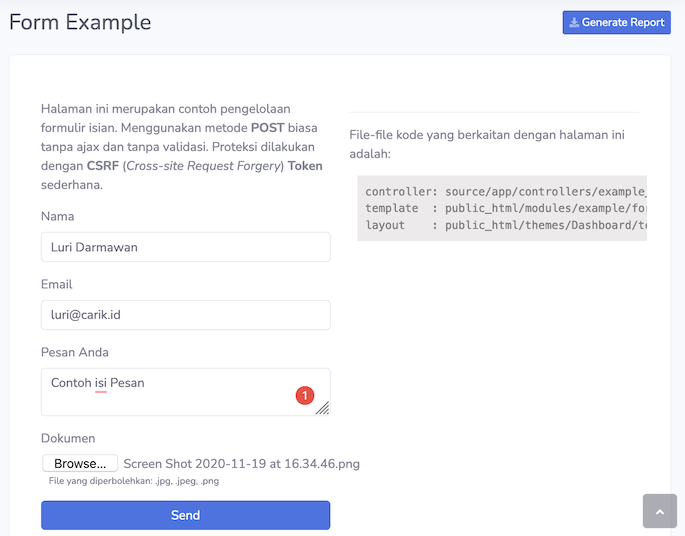
Form Handling
With validation and simple protection using CSRF.
-
File Upload
With permissions for which file types may be uploaded.
-
Session
-
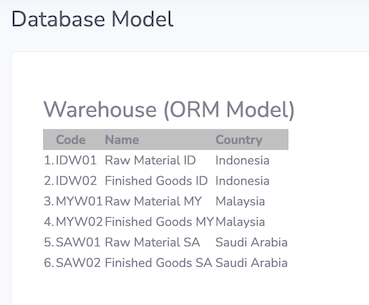
Database access using ORM (Object Relationship Mapping)
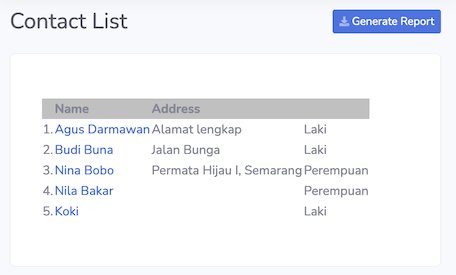
- Displaying data as a list
- Data details
- Joining other tables
Screenshot
Theme: Basic
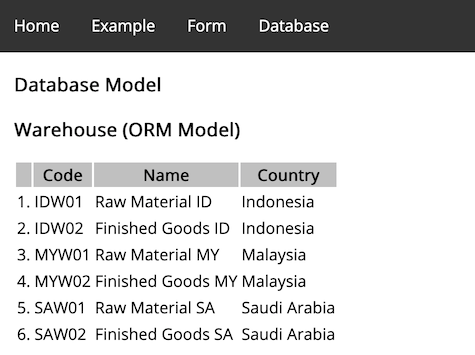
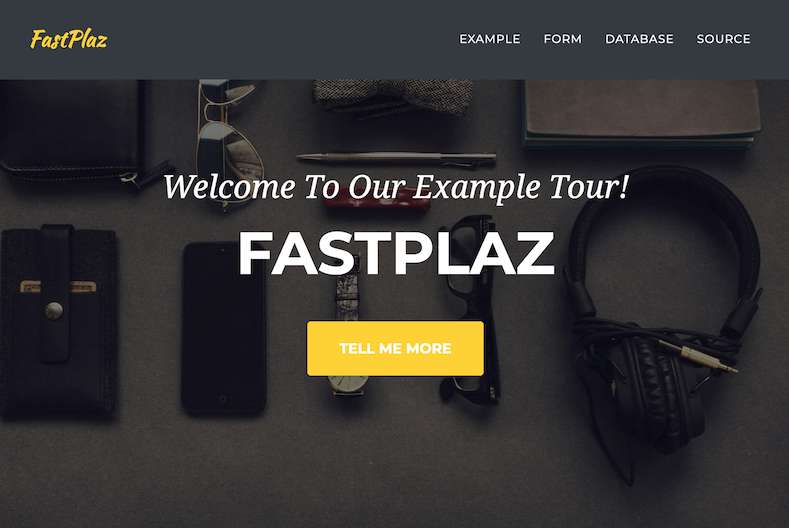
Theme: Simple
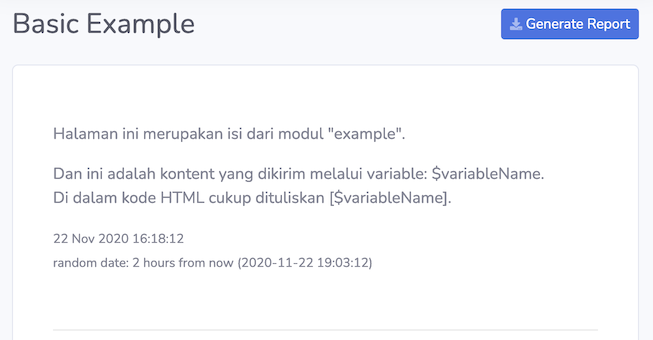
Basic Example
Form Handling
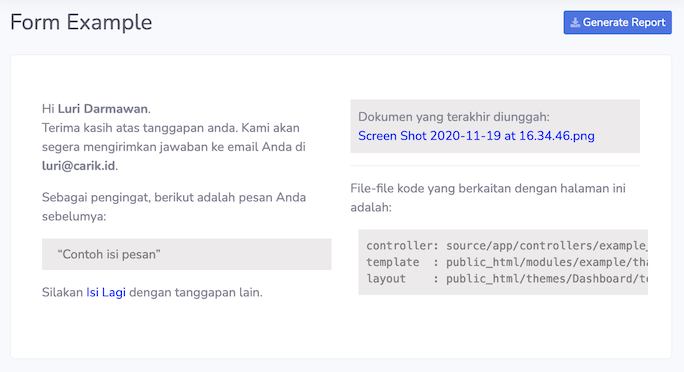
Success Submit
Database Access with ORM
Displaying warehouse data
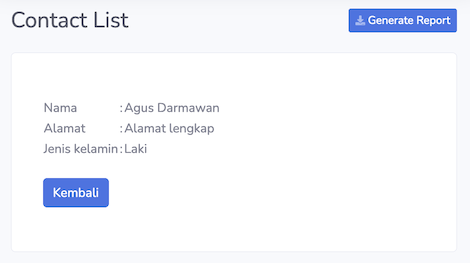
Displaying Contacts data as a list and detail, including use of the if tag as a conditional when displaying data.
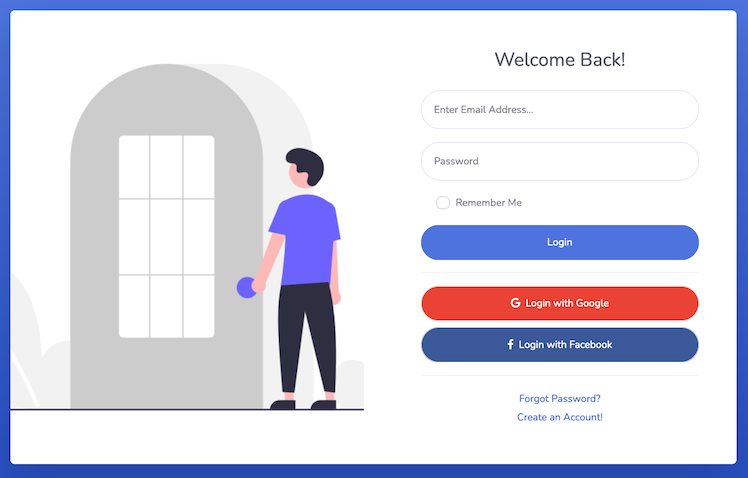
Login Page
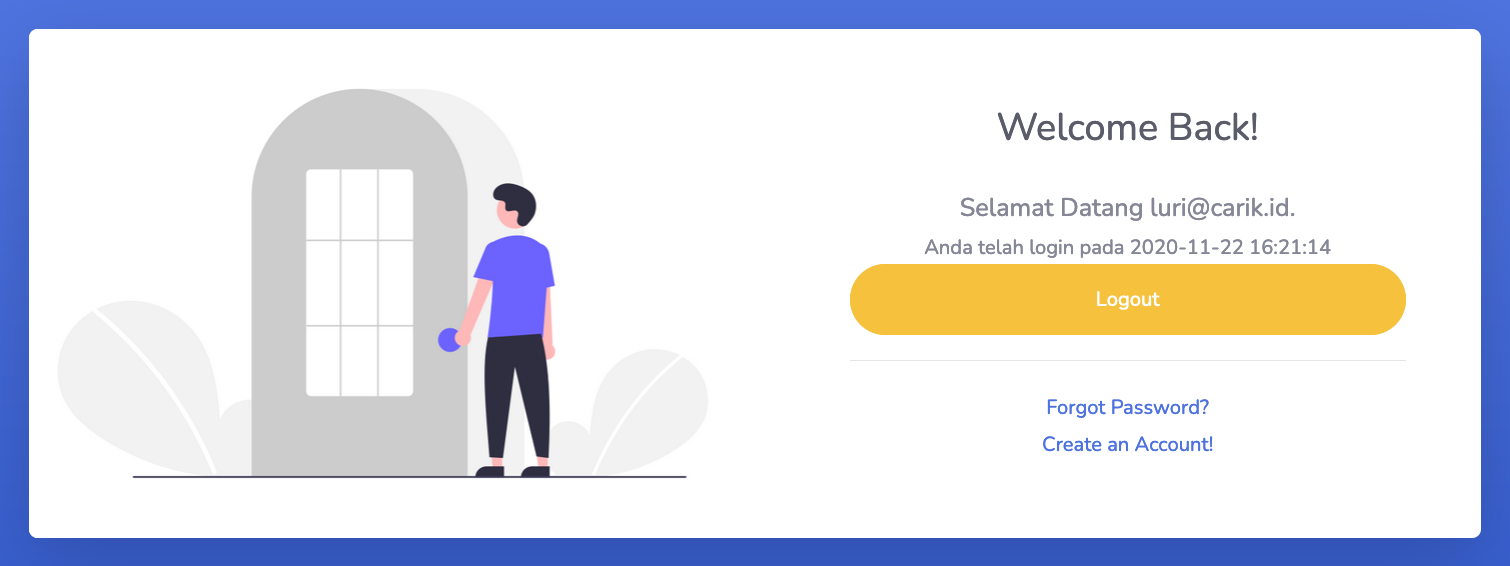
Success Login
Some links are intentionally hidden for classroom exercises. You can change them directly in the source.