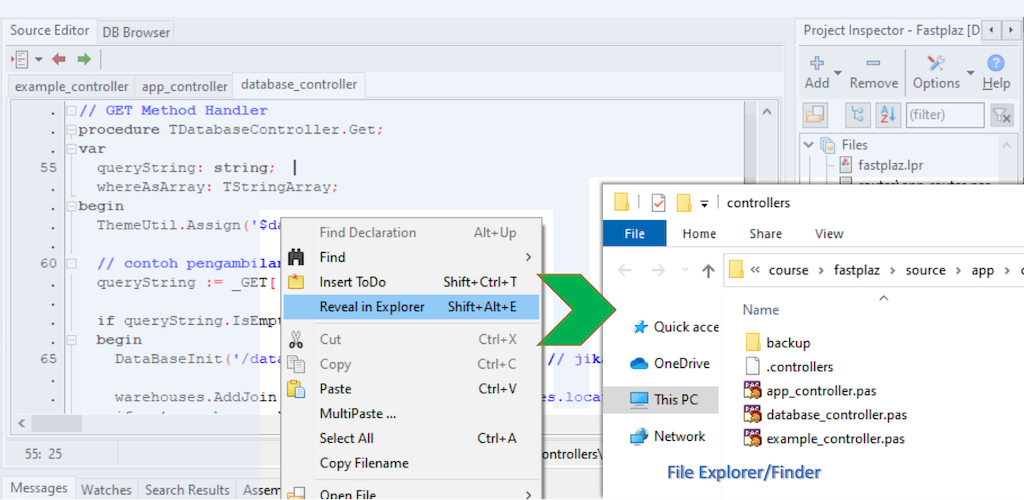
Reveal in Explorer/Finder
Ever had to switch back and forth between Lazarus and Explorer (Finder on MAC), not to mention opening File Explorer from scratch, then finding and opening the path/folder? Some developers create temporary shortcuts for this, just to make it easier.
With FastPlaz this is easy. Right-click in the source code editor and you will find the Reveal in Explorer menu. File Explorer opens automatically once this menu is selected and goes straight to the directory/path where the file is located.
Exploring your project is now right at your fingertips.